

Download Super VPN APK – Free, Secure, High-Speed Anonymous Browsing
Overview
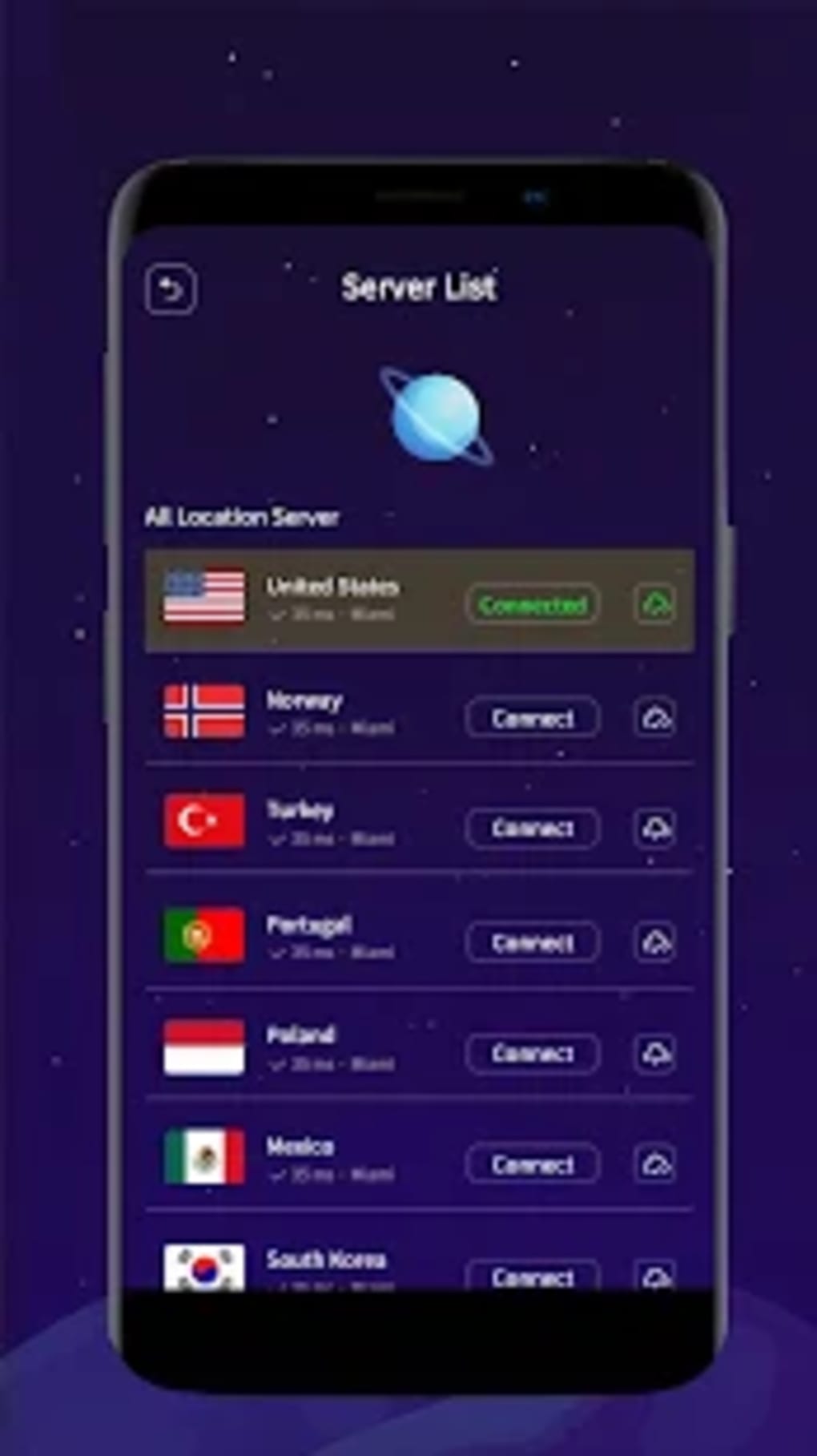
Super VPN APK is a free desktop and mobile security utility developed by Beyond Self Studio, designed to provide anonymous and unrestricted internet access. The software enables users to browse the web privately by routing their traffic through a global network of over 1,500 high-speed and stable servers. These servers are located in key regions including the United States, Norway, Turkey, Portugal, Finland, Mexico, and South Korea, allowing users to select a location that best suits their needs for speed, privacy, or geo-restricted content access.
Target users include individuals seeking a no-cost alternative to premium VPN services such as Speed VPN and ExpressVPN. The tool is particularly useful for those who need to bypass regional content blocks or avoid online tracking without financial commitment. It supports seamless server switching, allowing users to quickly test different connections and select the most efficient one based on real-time performance.
Despite its strong foundation in privacy and connectivity, the application currently faces usability challenges. The developer did not provide additional system requirements, and performance details were not specified. Platform compatibility information is limited to the APK format, indicating mobile use, though the software may also be accessible on desktop via third-party emulators.
Key Features & Capabilities
- Global Server Network: Over 1,500 high-speed and stable servers across multiple countries, enabling users to connect from diverse geographic locations for optimized performance and content access.
- Anonymous Browsing: Routes internet traffic through encrypted tunnels to prevent tracking, data harvesting, and privacy leaks, ensuring user identity remains hidden online.
- Zero Registration Required: Users can start using the app immediately without creating an account or providing personal information.
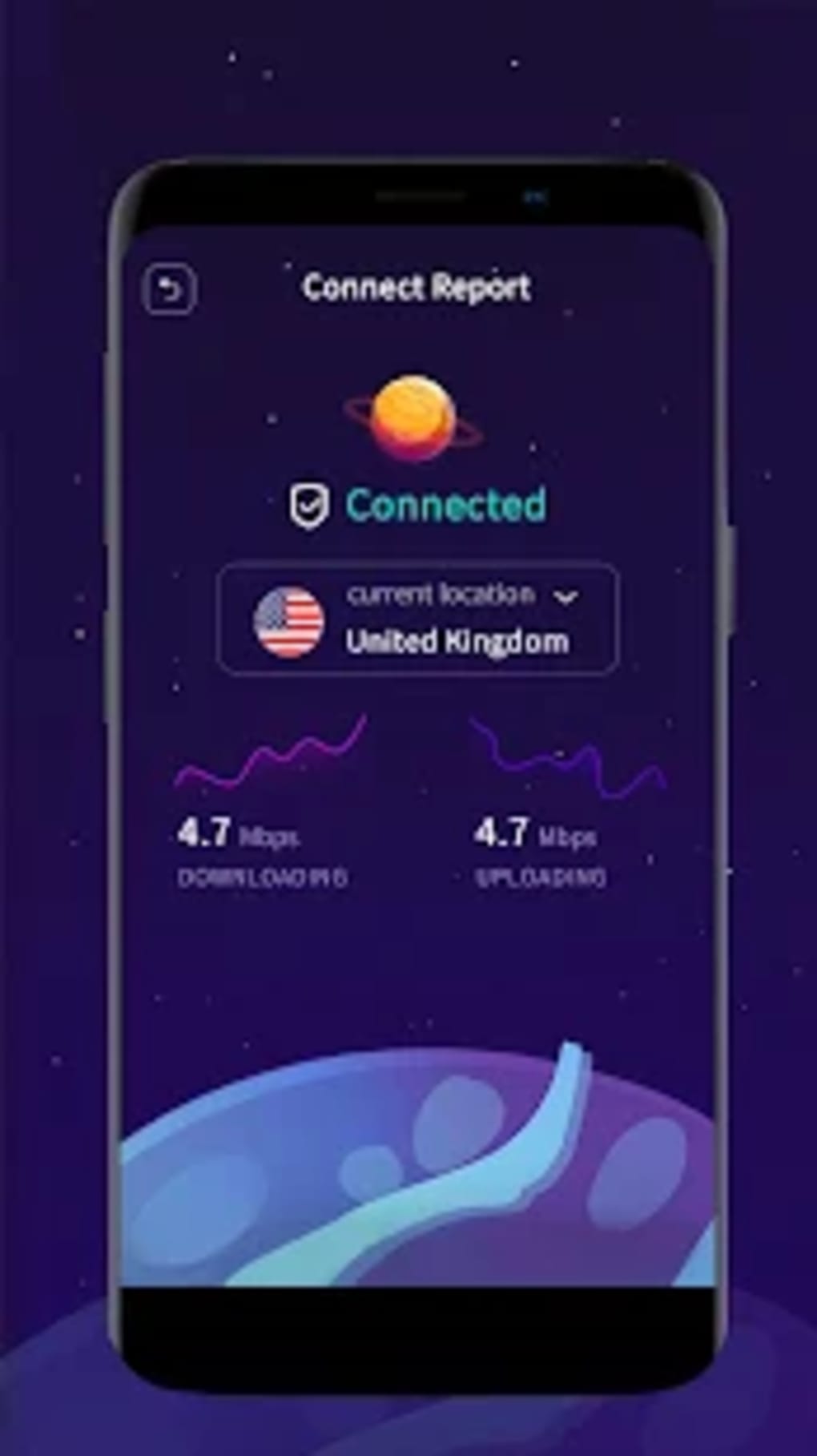
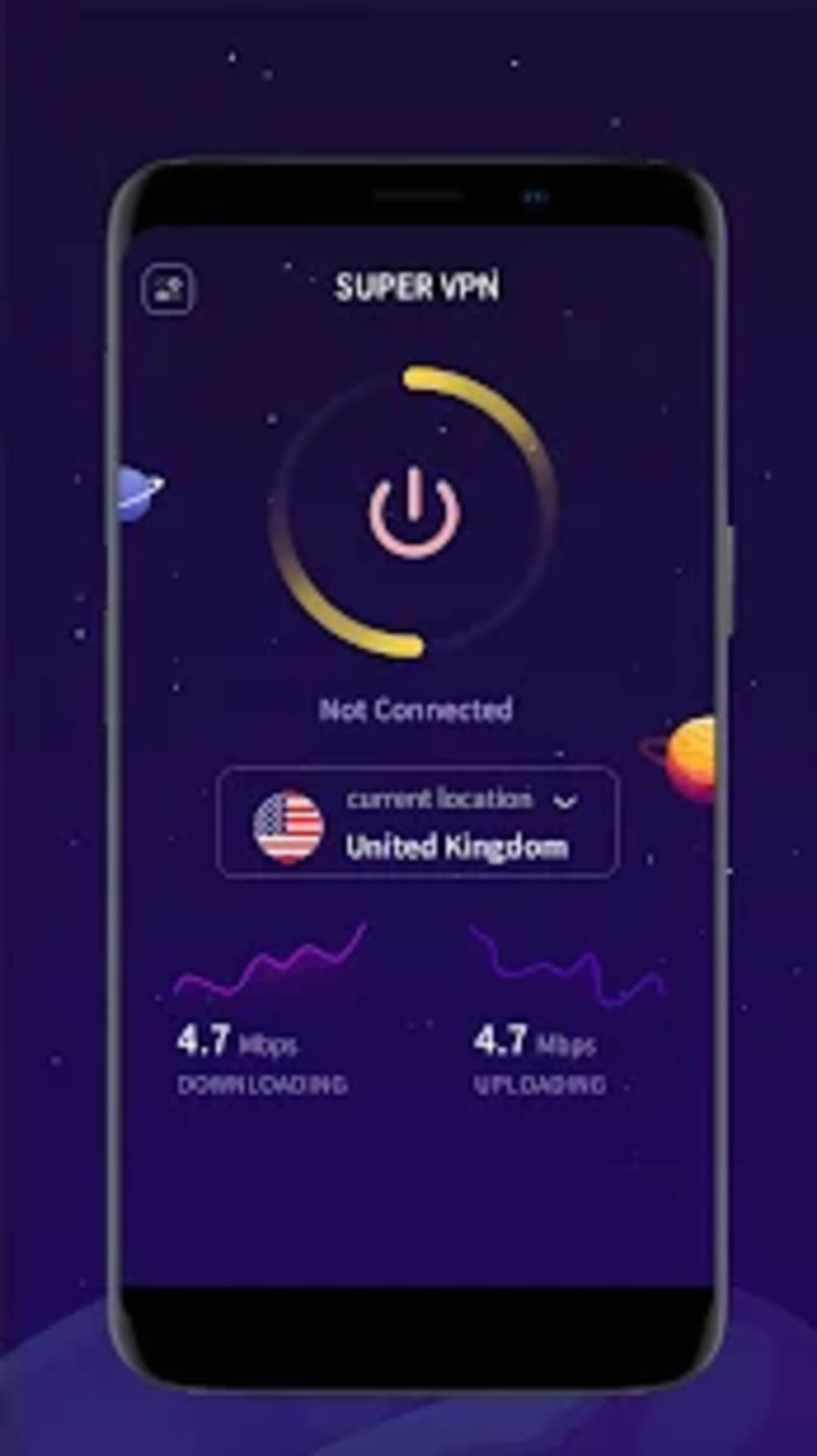
- Real-Time Speed Monitoring: Displays current download and upload speeds in Mbps during active connections, helping users evaluate connection quality on the fly.
- Server Switching: Allows instant switching between available server locations with a single tap, enabling quick adaptation to changing network conditions or content needs.
- Privacy-First Policy: The developer claims the tool does not record user data or online activities, reinforcing its commitment to user confidentiality.
These features make Super VPN a viable option for casual users who need occasional access to blocked websites or wish to enhance their online privacy. The real-time speed display is particularly useful for identifying the best-performing server in a given moment. However, the lack of advanced customization options or protocol selection limits its appeal for more technical users.
User Interface, Workflow & Performance
The user interface of Super VPN APK appears designed for simplicity and quick access. Users are presented with a clean list of available server locations, each labeled with a country name and real-time performance indicators. A prominent ‘Connect’ button allows immediate activation of a selected server, streamlining the setup process.
Navigating through the app is straightforward, with minimal steps required to initiate or terminate a connection. However, the workflow is impacted by frequent advertisements that appear immediately after accepting the terms and conditions and continue to surface during use. These ads disrupt the user experience and may hinder access to core functions.
The disconnect function has been reported to fail intermittently, preventing users from ending their session even when the button is tapped. This instability can lead to prolonged connections and potential data exposure if users are unaware the VPN is still active. The developer did not specify resource usage details, so CPU and RAM behavior remain unknown. Performance observations are based on general software behavior patterns.
Compatibility & System Requirements
Super VPN APK is available as a mobile application package, suggesting primary compatibility with Android devices. The software is distributed as an APK file, which can be installed directly on Android systems without requiring official app store distribution.
Exact system requirements were not listed. The developer did not specify minimum OS version, RAM, or storage needs. Installation size is also not provided. Compatibility information is limited to the APK format and the absence of official store listing, indicating potential use on non-standard or emulated desktop environments.
Users should exercise caution when installing APKs from third-party sources, as they may pose security risks if not obtained from trusted providers. The developer did not include details about desktop compatibility, so it is unclear whether the software can run on Windows or Mac systems without additional tools.
Pros and Cons
Pros
- Free to use with no registration required
- Access to over 1,500 global servers across multiple countries
- Real-time speed monitoring during active connections
- Strong privacy policy with no data logging
- Simple and intuitive interface for basic users
Cons
- Heavy ad load that disrupts user experience
- Disconnect button occasionally fails to respond
- Limited customization options for advanced users
- No official app store presence increases security risk
- Missing system requirements and performance data
FAQ Section
Is Super VPN APK safe to download and use?
Super VPN APK is distributed as a third-party file, so users should download it only from trusted sources to minimize security risks. The developer claims the app does not log user data, but caution is advised when installing APKs from unverified platforms.
Can I use Super VPN on my desktop computer?
The software is provided as an APK, which is primarily designed for Android devices. While it may be possible to run it on a desktop using an Android emulator, the developer did not confirm official desktop compatibility.
Does Super VPN require an account or payment?
No, the application does not require registration or payment. It is completely free to use with no subscription or hidden fees.
How often does Super VPN update?
The release date was provided, but the developer did not specify the update frequency. Users should monitor official sources for new versions and security patches.
Can I use Super VPN offline?
Super VPN requires an active internet connection to function. It cannot operate in offline mode, as it relies on remote servers to route traffic.
Final Thoughts + CTA
Super VPN APK presents a compelling option for users seeking a free, fast, and privacy-focused browsing experience. With access to over 1,500 servers across the globe and a strict no-logging policy, it delivers strong foundational capabilities for anonymous web access. However, the user experience is significantly hampered by intrusive advertisements and a non-responsive disconnect button, which undermine reliability and usability.
While it serves as a cost-effective alternative to premium services like ExpressVPN, its current state requires significant improvements in interface design and ad management. For users who prioritize privacy and are willing to tolerate a few usability flaws, Super VPN remains a functional tool. However, those seeking a polished, stable experience may find it unsuitable.
Download Super VPN APK now and explore secure, unrestricted browsing—just be mindful of the ad-heavy environment and ensure you're using a trusted source.






.png)
